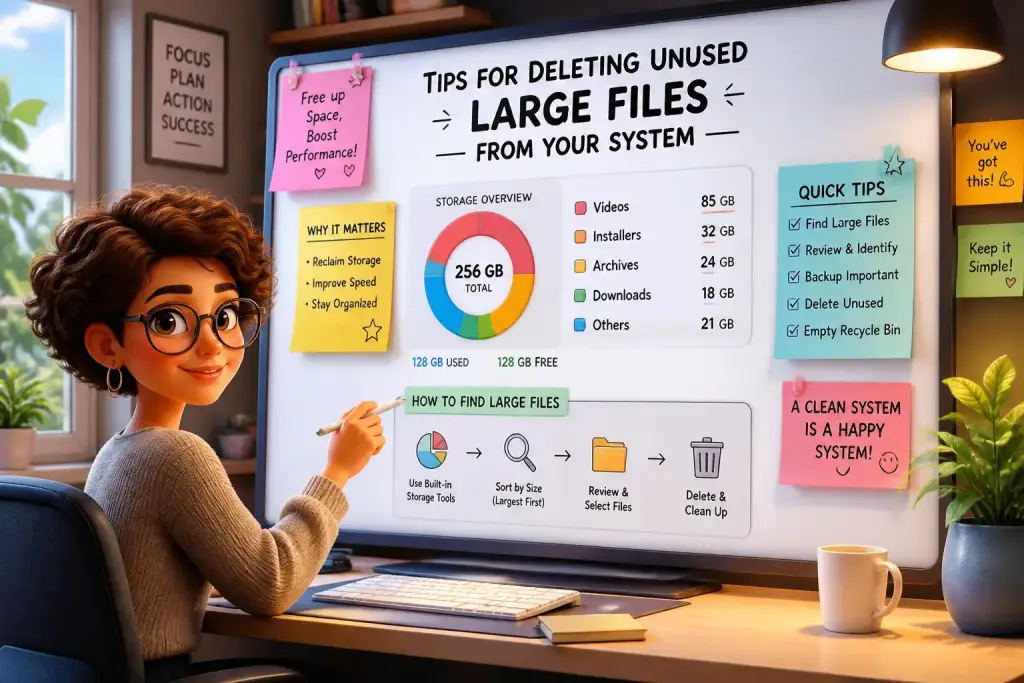










Sharing large files has become a common task in today’s digital world. Whether you are a student submitting a thesis, a professional sending project files, or simply sharing photos with friends, managing large files can be a hassle. Fortunately, modern tools and techniques simplify this process. With the right methods, you can share large files easily and efficiently. This guide will explore various approaches to file sharing, ensuring you can send your documents without stress.
- Use cloud storage for easy access and sharing.
- Employ file compression to reduce size before sharing.
- Choose secure transfer methods to protect sensitive data.
Table of Contents
Core Elements of Your File Sharing Needs
Before selecting a method to share your large files, it is important to understand your specific needs. Different scenarios call for different solutions. For instance, are you sharing files for personal use or professional projects? Knowing the context can help you choose the best option.
Consider the type of files you need to share. Multimedia files like videos and high-resolution images tend to be larger than simple documents. You might need to use different strategies depending on the file type. If you often share large files, identifying a preferred method can save time in the long run.
Also, think about the recipients. Are they tech-savvy or do they need a more straightforward process? Understanding their comfort level with technology will guide you in choosing a user-friendly option. For example, sending a link to a cloud storage file is often easier than making someone download complex software.
Finally, assess the level of security you require. If you are sharing sensitive data, opt for secure transfer methods that protect your files from unauthorized access. This consideration is especially important in professional settings where confidentiality is essential.
Popular Methods for File Sharing
Several methods exist for sharing large files, each with unique features and benefits. Below are some of the most popular options available today.
Cloud storage services have gained popularity due to their convenience. Platforms like Google Drive, Dropbox, and OneDrive allow users to upload files to the cloud and share them via links. This method is ideal for collaboration, as multiple users can access and edit the same file in real-time.
Another effective way is to use file transfer services. Websites such as WeTransfer and Send Anywhere let users upload files and generate a shareable link. These services often do not require an account, making them quick and easy for one-off transfers. However, they may have size limits, so always check before uploading.
For those concerned about security, encrypted file sharing services provide extra protection. Platforms like Tresorit and Sync.com use advanced encryption to keep files safe during transfers. These services are especially useful for businesses dealing with sensitive information.
Using Cloud Storage Services
Cloud storage services are among the most effective ways to share large files. They offer significant advantages, including accessibility and ease of use. To get started, follow these simple steps:
Step 1: Choose a Cloud Service
Select a cloud storage provider that fits your needs. Popular options include:
- Google Drive: Offers 15 GB of free storage and integrates with other Google services.
- Dropbox: Known for its user-friendly interface and collaboration features.
- OneDrive: Works well with Microsoft Office products, providing seamless integration.
Step 2: Upload Your Files
Create an account on your chosen platform and upload the files you want to share. Most services allow you to drag and drop files directly into the interface. Ensure the files are organized in folders for easier access.
Step 3: Share the Files
Once the files are uploaded, select them and click on the share option. You can choose to share the files via email or by generating a link. Adjust the sharing settings to control whether recipients can edit or only view the files.
Cloud services offer flexibility and convenience, making them ideal for both personal and professional use. They allow multiple users to collaborate on projects, making file sharing a breeze.
File Compression Techniques
Sometimes, files are too large to share easily. In such cases, file compression can significantly reduce their size. This technique can be particularly useful for sending large multimedia files or extensive document collections.
Compression software is readily available. Programs like WinRAR, 7-Zip, and WinZip allow you to compress files into smaller archives. The process is straightforward, and here’s how to do it:
Step 1: Choose a Compression Tool
Select a compression program that fits your operating system. Many tools are free, making them accessible to anyone.
Step 2: Compress Your Files
Open the software and locate the files you want to compress. Typically, you can right-click on the files and select the compression option. Choose the desired compression level; higher compression reduces file size but may take longer to process.
Step 3: Share the Compressed File
After compression, you can share the resulting zip or rar file using any file-sharing method. Ensure the recipient knows how to decompress the file to access the original content.
File compression not only makes sharing easier but also helps save storage space. This method is especially beneficial for users frequently handling large files.
Secure File Transfer Options
Security is a major concern when sharing large files, especially in professional settings. Using secure file transfer options helps protect sensitive information from unauthorized access. Here are some effective solutions:
Encrypted email services like ProtonMail provide a secure way to send files. By using end-to-end encryption, your files remain private. This method is suitable for sharing sensitive documents without fear of interception.
File transfer protocols (FTP) also offer secure ways to share large files. Services like FileZilla allow users to transfer files directly to servers with encryption. However, FTP may require more technical knowledge than other methods.
To create secure links, consider using platforms like ShareFile or Citrix. These services provide secure portals where users can upload and download files safely. They are ideal for businesses that manage sensitive data regularly.
Step 1: Choose a Secure Service
Research various secure file transfer options and select one that meets your needs. Consider factors like ease of use, security features, and file size limits.
Step 2: Upload Your Files
Once you’ve selected a service, create an account and upload your files. Ensure you follow any specific instructions for securing the upload process.
Step 3: Share Encrypted Links
Generate a secure link or use the service’s sharing features to send the files. Always double-check the security settings before sharing, ensuring that only intended recipients can access the files.
Employing secure file transfer options is essential for protecting sensitive information. It provides peace of mind, knowing that your files are safe during the sharing process.
Always check file size limits on sharing platforms to avoid interruptions or errors during the transfer process.
Choosing the Right Method for Your Needs
With various options available for sharing large files, choosing the right method can be challenging. Understanding your needs and the context of the file sharing is key to making an informed choice.
If you need to share files frequently, adopting a cloud storage solution might be best. It allows for easy access and collaboration, streamlining your workflow. For one-time transfers, file transfer services offer a quick and efficient way to share files without the need for an account.
When security is a priority, look for encrypted services that provide additional layers of protection. Always assess your file size and type before selecting a method, as some solutions may have limitations. Keeping your audience in mind can also guide your decision, ensuring that the process is as smooth as possible for everyone involved.
The best approach combines ease of use, security, and efficiency. By evaluating your specific needs, you can confidently choose the right method for sharing large files.
Practical Tips for Efficient File Sharing
Implementing practical tips can further enhance your file-sharing experience. These strategies can help streamline the process, making it more efficient and less frustrating.
First, always check the file size before attempting to share. Many platforms have size limits, which can hinder the transfer process. If your file exceeds the limit, consider compressing it or using a different method.
Second, establish a routine for managing your files. Organizing files into folders and keeping them labeled can make sharing quicker. This approach helps you locate files easily when it’s time to share.
Third, communicate clearly with recipients. Provide instructions on how to access the files, especially if you are using less common methods. Clear communication reduces confusion and ensures a smoother experience for everyone involved.
Quick Tips for Efficient Sharing
- Regularly clean up your cloud storage to maintain organization.
- Use descriptive file names to make files easily identifiable.
- Test the sharing process with a friend to ensure everything works smoothly.
By applying these practical tips, you can optimize your file-sharing process. Efficiency leads to better collaboration and less stress when managing large files.
Long-Term Strategies for File Management
Beyond immediate sharing needs, developing long-term strategies for file management can enhance your overall workflow. Adopting a proactive mindset leads to better organization and efficiency over time.
Start by regularly reviewing your file storage solutions. As technology evolves, new tools may offer better features or security. Staying updated ensures that you are using the best options available for your needs.
Consider integrating file-sharing practices into your daily routine. For example, allocate time each week to upload and organize files. This consistent approach helps prevent the accumulation of large files and makes sharing easier.
Finally, educate yourself about new tools and methods for file sharing. The digital world changes rapidly, and being informed can give you an edge in managing large files effectively. You might find new software or services that simplify the process even further.
Embracing these long-term strategies can transform how you manage and share files. With the right mindset and practices, you can ensure that sharing large files remains a stress-free task.