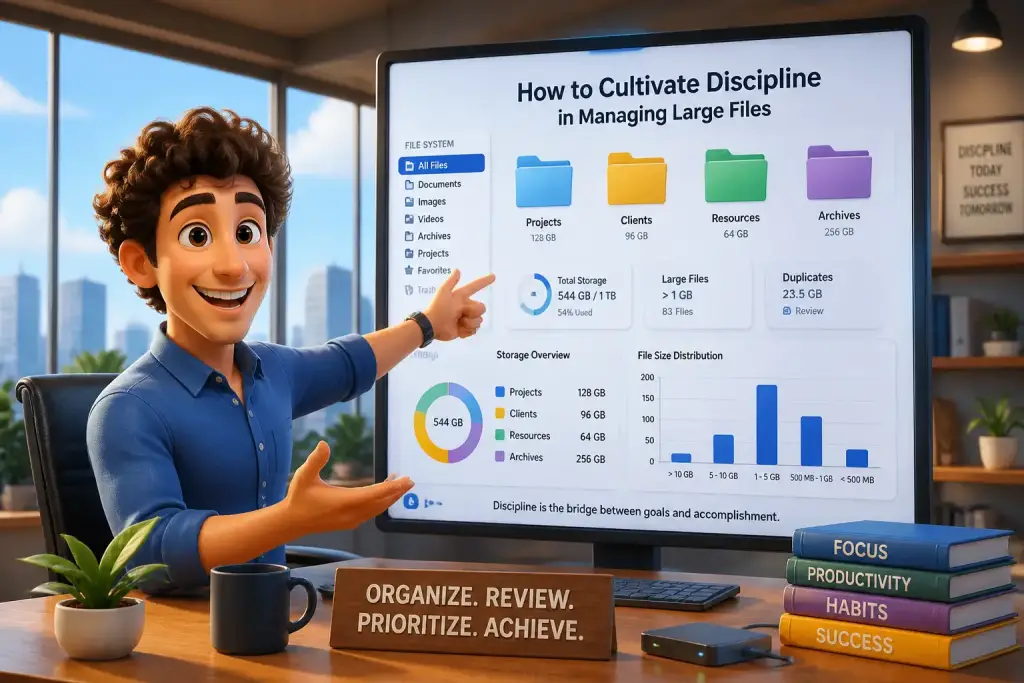










Managing large files can often feel daunting. With increasing data sizes and complex projects, a proactive mindset becomes essential to ensure efficiency and productivity. This approach not only helps in organizing files but also allows for smoother collaboration among team members. Adopting this mindset involves anticipating challenges and preparing for them, which can transform how you handle large files in your daily workflow.
- Organizing files early prevents confusion and saves time later.
- Using collaboration tools ensures everyone stays on the same page.
- Regularly reviewing workflows can highlight areas for improvement.
Table of Contents
- Core Elements of the Importance of a Proactive Mindset
- Establishing Effective File Organization Systems
- Utilizing Collaboration Tools for Streamlined Communication
- Prioritizing Large File Tasks in Your Workflow
- Maintaining Focus While Handling Large Files
- Reviewing and Improving Workflow Processes
- Embracing Continuous Learning for Long-Term Success
Core Elements of the Importance of a Proactive Mindset
Having a proactive mindset means taking initiative and anticipating potential issues before they arise. This concept is especially relevant when dealing with large files, which can be cumbersome and time-consuming if not managed properly. By being proactive, individuals can avoid common pitfalls and streamline their processes. For example, consider a project manager who faces tight deadlines. Instead of waiting for file-sharing issues to occur, they can set up a system where files are organized and accessible from the start.
The importance of this mindset extends beyond just the individual. Teams that adopt a proactive approach can significantly reduce the time spent resolving issues. For instance, a marketing team working on a campaign can benefit from clearly defined roles in file management. By assigning specific tasks related to file organization, they can prevent duplication of work and confusion, which often leads to delays. This collective effort fosters a culture of efficiency.
Modern tools and software have made it easier to implement proactive strategies. Many platforms offer features like version control and cloud storage integration, which can help teams keep their files organized. By taking advantage of these tools, teams can enhance their productivity and focus more on their core tasks rather than on file management. Adopting a proactive mindset is not just about the individual; it’s about creating a collaborative environment that supports everyone involved.
Establishing Effective File Organization Systems
A strong organizational system is the backbone of effective file management. It is essential to establish a clear structure that everyone on the team understands. Start by creating a standard naming convention for files. This means deciding how files will be named and categorized across the board. For instance, a team might decide to use project names, dates, and version numbers to name their files. Consistency helps in quickly locating files and avoiding confusion.
Next, consider using a folder hierarchy. Organizing files into main categories and subcategories can make navigation smoother. For example, a main folder for a project can contain subfolders for different phases, like planning, execution, and reporting. Within each subfolder, you could include documents, images, and presentations relevant to that phase. This structure ensures that everyone knows where to find specific files and reduces the time spent searching.
Steps for Creating an Effective Folder Structure
- Identify Key Categories: Determine the main areas of work involved in your projects.
- Create Subcategories: Break down each main category into smaller, manageable parts.
- Set Naming Conventions: Agree on a consistent format for naming files and folders.
- Communicate the Structure: Share the organization system with your team to ensure everyone is on the same page.
- Review Regularly: Periodically assess the structure to make adjustments as needed.
Implementing a robust organizational system is vital for maintaining clarity and efficiency when managing large files. As the project progresses, regularly updating and refining this system can help accommodate any new challenges that arise.
Utilizing Collaboration Tools for Streamlined Communication
Effective communication is key when managing large files, especially in a team setting. Collaboration tools can greatly enhance how teams interact and share information. Platforms like Google Drive, Dropbox, and Microsoft OneDrive allow multiple users to access and edit files simultaneously. This real-time collaboration minimizes the risk of version control issues and helps ensure that everyone is working with the most current information.
When using these tools, it is important to establish clear guidelines. For example, team members should know how to comment on documents or suggest changes without altering the original content. This approach helps maintain the integrity of the files while still encouraging input from all members. Additionally, using shared calendars for deadlines can keep everyone informed about important dates, ensuring that tasks are completed on time.
Best Practices for Using Collaboration Tools
- Set Permissions: Control who can view or edit files to prevent unauthorized changes.
- Use Comments Wisely: Encourage team members to leave constructive feedback without cluttering the document.
- Regularly Update Files: Ensure that the latest versions are always accessible to avoid confusion.
- Schedule Check-Ins: Hold regular meetings to discuss project progress and address any concerns.
By leveraging collaboration tools effectively, teams can facilitate smoother workflows and improve overall productivity. The right tools can transform file management from a burdensome task into a streamlined process.
Prioritizing Large File Tasks in Your Workflow
Managing large files often requires careful prioritization. Understanding how to incorporate these tasks into your daily workflow can significantly enhance productivity. Begin by identifying which files or tasks are most critical. For instance, tasks with approaching deadlines should take precedence over less urgent ones. This prioritization helps ensure that important projects are completed on time.
Utilizing a task management system can help visualize and organize priorities. Tools like Trello or Asana allow users to create boards for different projects. Each board can contain lists that represent various stages of the project, making it easier to track progress. By categorizing tasks by priority, team members can focus on what matters most each day, reducing the likelihood of feeling overwhelmed.
Effective Task Prioritization Techniques
- Identify Urgent vs. Important: Use the Eisenhower Matrix to categorize tasks by urgency and importance.
- Set Daily Goals: Define clear objectives for each day to maintain focus.
- Review and Adjust: At the end of each week, evaluate what worked and what didn’t, adjusting priorities as necessary.
Integrating prioritization strategies into daily routines allows teams to manage large files more effectively. This approach not only reduces stress but also enhances overall productivity by ensuring that essential tasks are always addressed first.
Always create a clear folder structure before starting any large project to streamline access and retrieval of files.
Maintaining Focus While Handling Large Files
Staying focused during tasks involving large files can be challenging. Distractions can easily derail productivity, especially when working with complex documents or data. To combat this, setting up a conducive workspace is essential. A clean and organized environment can minimize distractions and promote concentration. Additionally, using tools like noise-canceling headphones can help block out background noise, allowing for deeper focus.
Implementing structured work sessions, such as the Pomodoro Technique, can also enhance focus. This method involves working for a set period, followed by a short break. For example, working for 25 minutes and then taking a 5-minute break can help maintain energy levels and prevent burnout. During these focused sessions, turning off notifications can further reduce interruptions and allow for a more immersive work experience.
Tips for Sustaining Focus
- Create a Distraction-Free Zone: Establish a workspace dedicated solely to productive tasks.
- Limit Digital Distractions: Use apps to block distracting websites during work sessions.
- Take Regular Breaks: Allow time to rest and recharge to maintain long-term focus.
By applying strategies to maintain focus, individuals can enhance their efficiency when managing large files. This focus leads to higher quality work and a more satisfying work experience overall.
Reviewing and Improving Workflow Processes
To truly adopt a proactive mindset, regularly reviewing and improving workflow processes is essential. Assessing how files are managed can highlight areas needing change. For example, consider conducting regular team meetings to discuss what is working and what isn’t. Open communication allows for feedback and encourages team members to share their ideas for improvement.
Implementing feedback loops is another effective strategy. After completing a project, gather insights from the team about the file management process. Questions to consider include: What challenges did you face? What tools were helpful? By analyzing this feedback, teams can identify patterns and make informed adjustments for future projects.
Steps for Conducting a Workflow Review
- Schedule Regular Reviews: Set a timeline for reviewing workflows, such as monthly or quarterly.
- Gather Team Input: Encourage team members to share their experiences and suggestions.
- Analyze Results: Look for trends or recurring issues that need addressing.
- Implement Changes: Make adjustments based on the feedback collected to improve future projects.
By continuously reviewing and improving workflow processes, teams can develop a proactive approach to managing large files. This commitment to improvement fosters an environment where efficiency and productivity thrive.
Embracing Continuous Learning for Long-Term Success
Adopting a proactive mindset also involves embracing continuous learning. The landscape of file management is constantly changing, with new tools and strategies emerging regularly. Staying updated on the latest trends and technologies can provide teams with a competitive edge. For instance, attending workshops, webinars, or online courses can enhance skills related to file management and collaboration.
Encouraging a culture of learning within teams can lead to innovative approaches to managing large files. Sharing insights from new tools or methods can inspire others to improve their workflows. For example, if a team member discovers a new file compression tool that significantly reduces file sizes, sharing this information can benefit the entire group.
Strategies for Fostering Continuous Learning
- Encourage Skill Development: Provide resources for team members to explore new tools and techniques.
- Promote Knowledge Sharing: Set aside time for team members to present what they have learned.
- Stay Informed: Subscribe to industry newsletters or blogs to keep up with trends.
Embracing continuous learning not only enhances individual skills but also contributes to a more knowledgeable and adaptable team. This proactive approach ensures that file management practices remain effective and efficient over time.