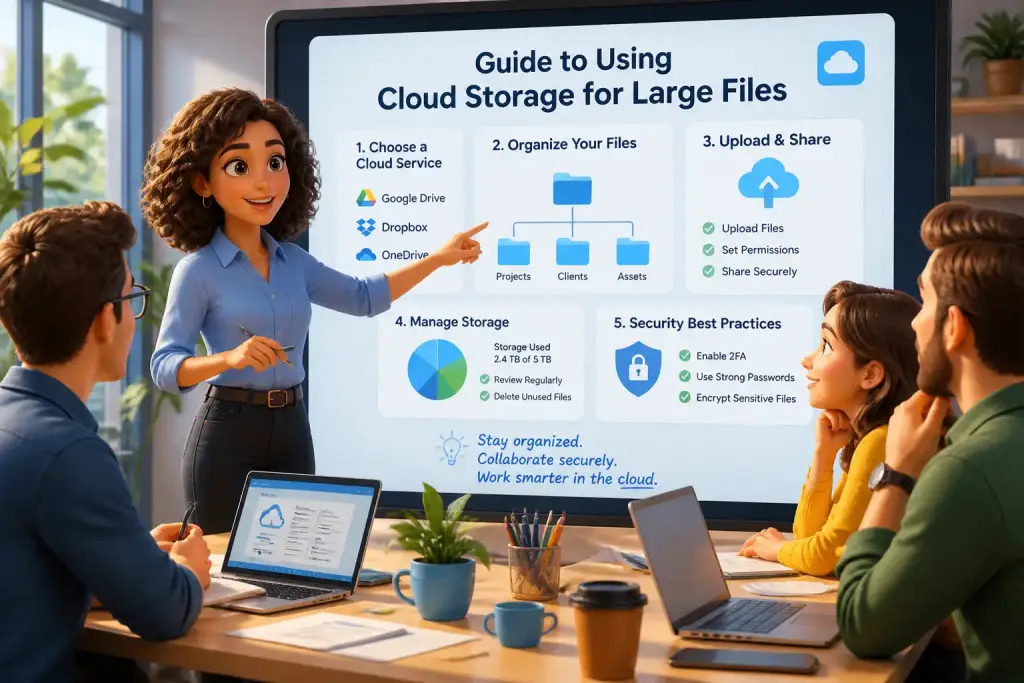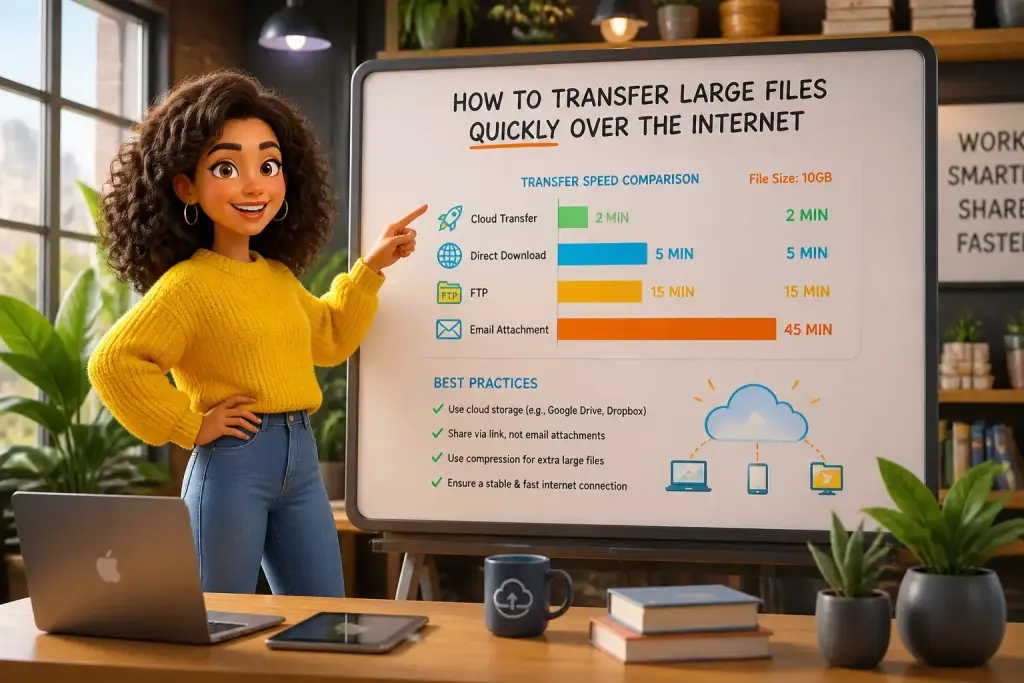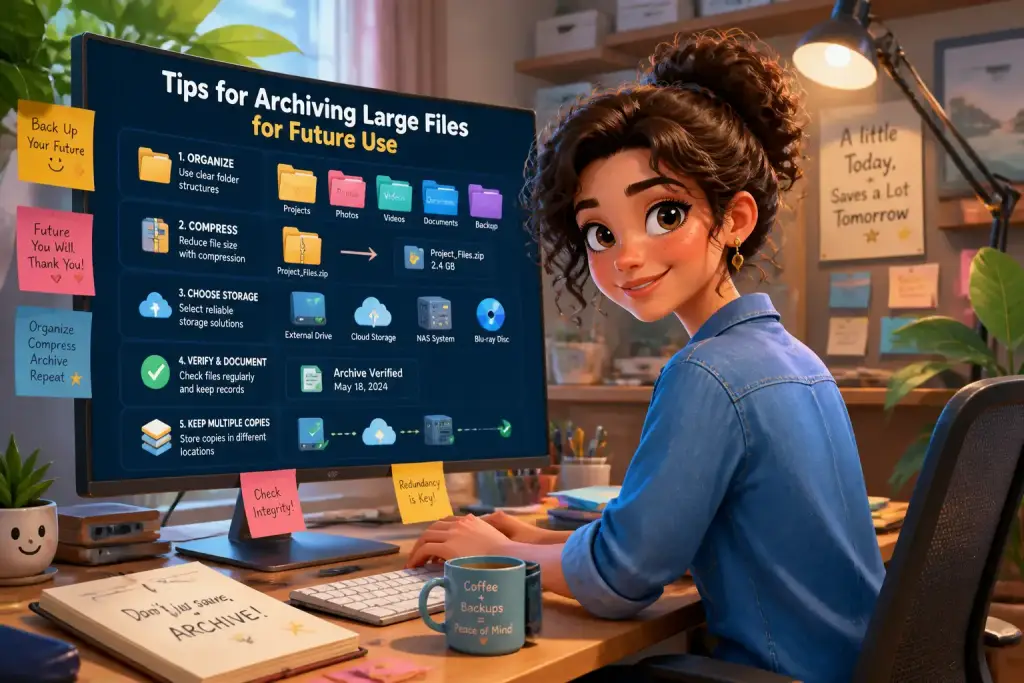








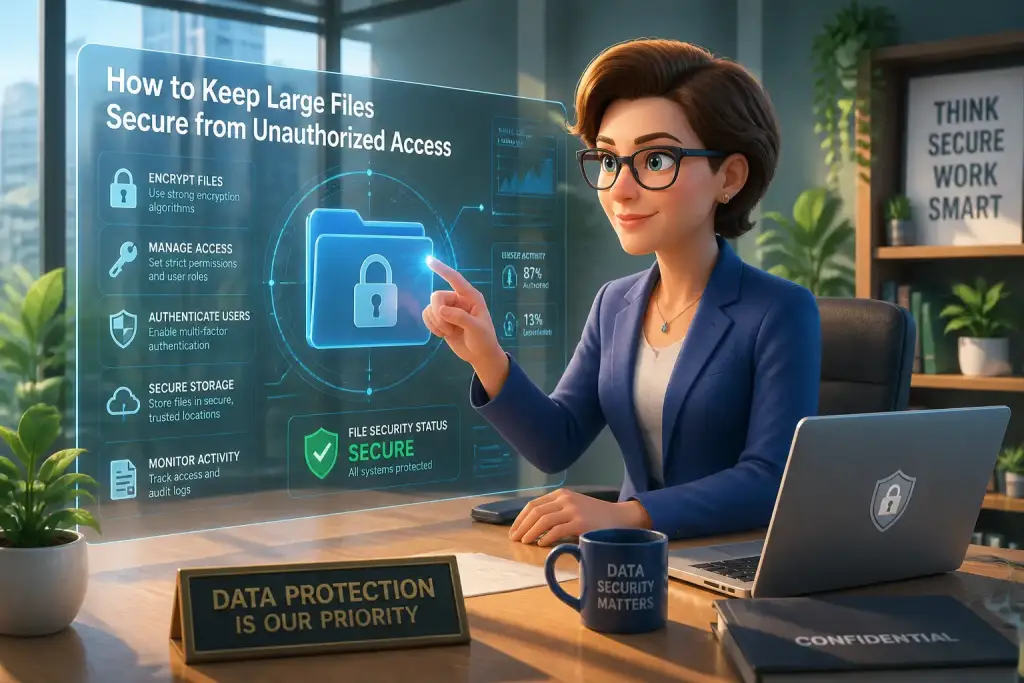
Keeping large files secure from unauthorized access is increasingly important in today’s digital world. With the rise of cyber threats and data breaches, individuals and organizations need to adopt effective strategies to protect sensitive information. This guide explores various methods and tools that can help ensure your large files remain safe and accessible only to authorized users. By implementing these strategies, you can significantly reduce the risk of unauthorized access and data loss.
- Utilize strong encryption methods for sensitive files.
- Implement multi-factor authentication for added security.
- Regularly update security software to prevent breaches.
Table of Contents
Recognizing the Importance of File Security
The first step in securing large files is understanding why it is important. Sensitive information, such as personal data, financial records, and corporate secrets, can lead to serious consequences if exposed. Data breaches can damage reputations, result in financial losses, and lead to legal issues. Thus, prioritizing file security should be a fundamental practice for anyone handling large files.
Unauthorized access can come from various sources. Hackers often target organizations to steal data for malicious purposes, while insiders can accidentally or intentionally expose sensitive information. Understanding these threats is crucial for developing a security strategy that effectively minimizes risks.
Consider the case of a healthcare organization that suffered a data breach, exposing thousands of patient records. This incident not only led to financial penalties but also damaged the trust between the patients and the organization. Such examples highlight the need for robust security measures to protect sensitive information.
Implementing Strong Password Protocols
One of the simplest yet most effective ways to secure large files is by implementing strong password protocols. Weak passwords are often the first line of attack for unauthorized users. Therefore, using complex passwords is essential to enhance security. A strong password typically includes a mix of uppercase and lowercase letters, numbers, and special characters.
Avoid using easily guessable information, such as birthdays or common words. Instead, consider using a password manager to generate and store complex passwords securely. This tool can help you create unique passwords for different accounts and files, minimizing the chances of unauthorized access.
To ensure your passwords are effective, follow these guidelines:
- Change passwords regularly, ideally every three to six months.
- Avoid reusing passwords across multiple accounts.
- Implement security questions that are not easily guessable.
- Enable two-factor authentication (2FA) whenever possible.
Utilizing Encryption for Enhanced Security
Encryption is a powerful method for protecting large files from unauthorized access. It transforms your data into a code that can only be decrypted with a specific key or password. This means that even if unauthorized users gain access to the files, they will not be able to read the contents without the decryption key.
There are various encryption methods available today. Full disk encryption protects all files on your drive, while file-level encryption allows you to encrypt specific files or folders. Both methods are effective, but choosing the right one depends on your specific needs.
To implement encryption, follow these steps:
- Identify the files that require encryption.
- Select an encryption tool or software that meets your needs.
- Follow the instructions to encrypt your files.
- Store your decryption keys securely, separate from the encrypted files.
Modern tools, such as BitLocker for Windows or FileVault for macOS, provide built-in encryption options that are easy to use and reliable.
Implementing Multi-Factor Authentication
Multi-factor authentication (MFA) adds an extra layer of security beyond just passwords. It requires users to verify their identity through multiple methods before accessing files. This could involve entering a password and then confirming a code sent to a mobile device or email.
Using MFA significantly reduces the risk of unauthorized access. Even if someone manages to obtain your password, they would also need the second factor to gain access. Many services today offer MFA options, and enabling this feature can be a simple yet effective way to enhance security.
To set up MFA, follow these steps:
- Access the security settings of your account or service.
- Look for the multi-factor authentication option and select it.
- Choose your preferred method of verification, such as SMS or an authentication app.
- Follow the prompts to complete the setup process.
Regular Updates and Security Audits
Keeping your software and systems updated is vital for maintaining security. Software developers regularly release updates to patch vulnerabilities and enhance security features. Failing to update software can leave your files exposed to threats.
Regular security audits can also help identify potential weaknesses in your file security. By reviewing your security measures, you can ensure they are effective and up to date. Consider scheduling audits at least once a year or after significant changes in your operations.
To perform a security audit, consider these steps:
- Review all access permissions and ensure only authorized users have access to sensitive files.
- Check for outdated software and update as necessary.
- Assess your encryption methods and update them if needed.
- Follow up on any incidents or breaches to analyze what went wrong and how to prevent similar issues in the future.
Regularly back up your files to a secure location to avoid data loss and enhance recovery in case of security incidents.
Backup Procedures for Large Files
Backing up your large files is essential for protecting against data loss. Natural disasters, hardware failures, or cyberattacks can all result in data being irretrievably lost. Regularly backing up your files ensures you can recover them if something goes wrong.
Choose a reliable backup method, such as cloud storage or external hard drives. Cloud-based solutions offer the advantage of accessibility from anywhere, while physical backups provide a tangible copy of your files. Ideally, use both methods to ensure redundancy.
When setting up a backup system, consider the following:
- Determine how often to back up your files, such as daily, weekly, or monthly.
- Select the backup method that best fits your needs and budget.
- Test your backup regularly to ensure it works correctly and your files are accessible.
Training and Awareness for Users
Educating users about file security is crucial for minimizing risks. Often, the weakest link in security is the user. Providing training on best practices can empower individuals to recognize threats and respond appropriately.
Training should cover topics such as identifying phishing attempts, creating strong passwords, and understanding the importance of data protection. Regular workshops or online courses can help keep security awareness at the forefront of users’ minds.
Consider implementing a culture of security within your organization where everyone is encouraged to prioritize file security. Rewarding good practices can motivate users to be more vigilant.
By combining technical measures with user education, you create a more comprehensive approach to securing large files from unauthorized access. This dual strategy ensures that your files are protected from both external threats and human error.
Securing large files from unauthorized access requires a multi-faceted approach. From implementing strong passwords and encryption to regular audits and user training, each aspect plays a vital role in safeguarding sensitive data. By adopting these strategies, you can effectively minimize the risk of unauthorized access, ensuring your large files remain secure and accessible only to those who need them. Stay proactive and vigilant in your security efforts to protect your valuable information.