







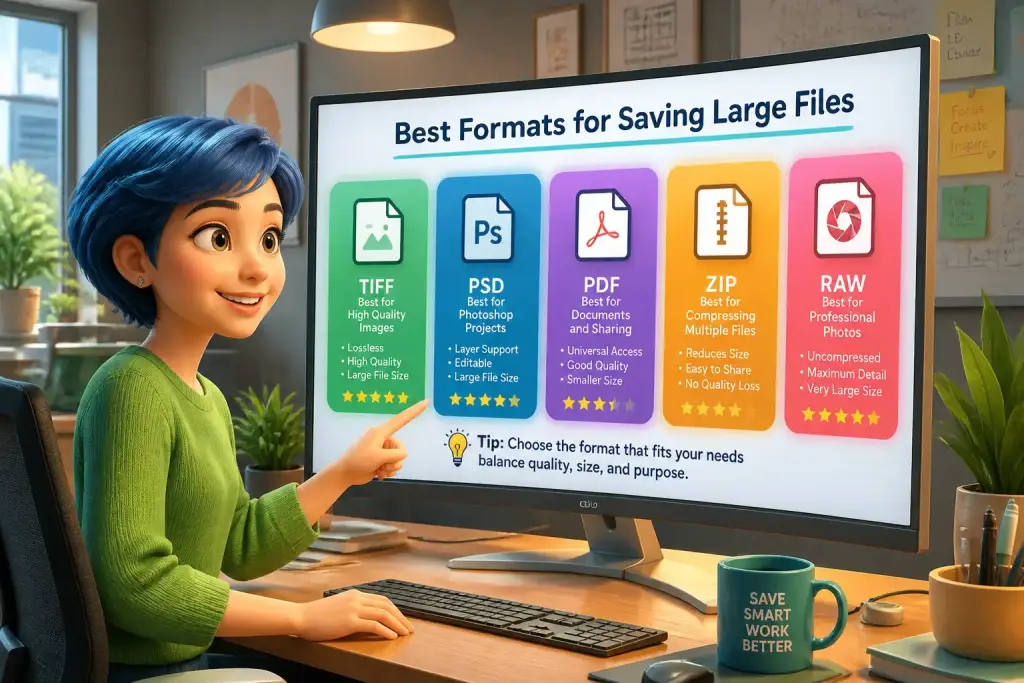
Managing large files can be challenging, especially when it comes to selecting the best formats for saving them. With various formats available, understanding their differences is crucial. The right file format not only affects storage space but also impacts how easily you can share and access your files. Therefore, knowing which formats work best for your needs can save you time and effort in the long run. This guide explores the best formats for saving large files, suitable for different purposes and scenarios.
- Understanding file formats helps manage large files effectively.
- Choosing the right format improves sharing and storage efficiency.
- Adopting modern tools enhances file handling and accessibility.
Table of Contents
Common File Formats for Large Files
Different file formats serve various purposes. Some are better for images, while others excel with videos or documents. For large files, certain formats are more efficient in terms of storage and accessibility. Here are some of the most common formats:
- JPEG: Ideal for photographs, JPEG files compress images well, reducing size while maintaining good quality. This format is perfect for web use and sharing.
- PNG: A lossless format, PNG is great for images requiring transparency. However, it tends to be larger than JPEG, making it less suitable for very large images.
- MP4: This is the go-to format for video files. MP4 balances quality and file size, making it easy to share over the internet.
- PDF: For documents, PDFs are versatile and maintain formatting across devices. They can handle large files well, especially if they contain images or graphics.
Using these formats appropriately can simplify file management. For instance, if you often share images online, JPEG might be your best choice. Alternatively, if you need high-quality images for printing, you may prefer PNG despite its larger size. Understanding these formats will help you manage your files effectively.
Choosing the Right Format for Your Needs
Selecting the best format depends on your specific requirements. Different situations call for different file types, and knowing what to choose can enhance your workflow. Consider the following factors:
File Purpose
Understanding the purpose of your file is essential. Ask yourself: Is it for sharing, storage, or editing? For example, if you plan to email a video, MP4 is ideal due to its smaller size and compatibility with most devices. If you need to print a document, a PDF ensures the layout stays intact regardless of the printer used.
File Size Limitations
Some platforms have size limits for uploads. If you often share files via email or cloud services, choose formats that compress files effectively. For instance, using MP4 for videos can significantly reduce file size without sacrificing too much quality. This helps avoid issues when uploading to platforms with strict size limits.
Quality vs. Compression
Consider the trade-off between quality and compression. Some formats, like JPEG, lose quality as they compress images. If quality is essential, formats like TIFF or PNG may be better, despite being larger. Assess your needs carefully to find the right balance.
File Compression Techniques
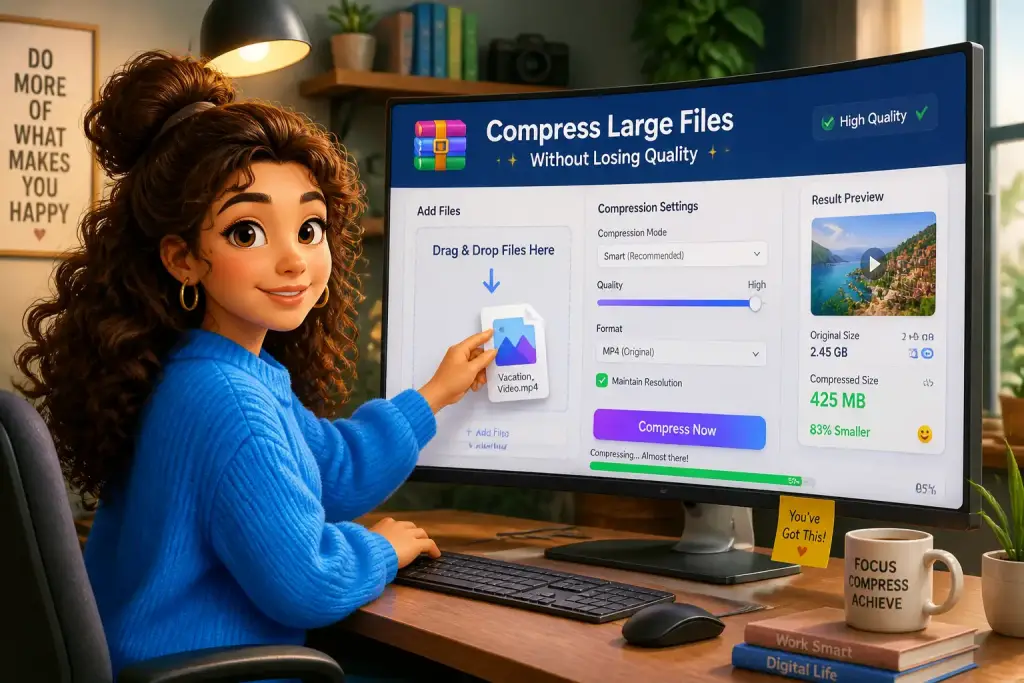
File compression is a key strategy for managing large files. By reducing the size of your files, you can save storage space and make sharing easier. Here are some common techniques:
Lossy Compression
This technique reduces file size by removing some data. JPEG is a prime example of lossy compression. While it significantly reduces image size, it may also lower quality. This method is suitable for files where perfect quality is not essential, such as web images.
Lossless Compression
Lossless compression retains all original data, ensuring no quality is lost. Formats like PNG and ZIP files use this method. This is crucial for documents or images where quality must be preserved. Although lossless files are larger, they are preferred when quality is vital.
Using Compression Software
Many tools can help compress files efficiently. Programs like WinRAR and 7-Zip allow users to compress folders or files into smaller packages. This can save space on your hard drive and simplify sharing. Steps to compress files with these tools include:
- Select the files or folders you want to compress.
- Right-click and choose the compression option from the context menu.
- Follow the prompts to create a compressed file.
By using these tools, you can manage large files more effectively, making them easier to share and store.
Storing Large Files on Different Platforms
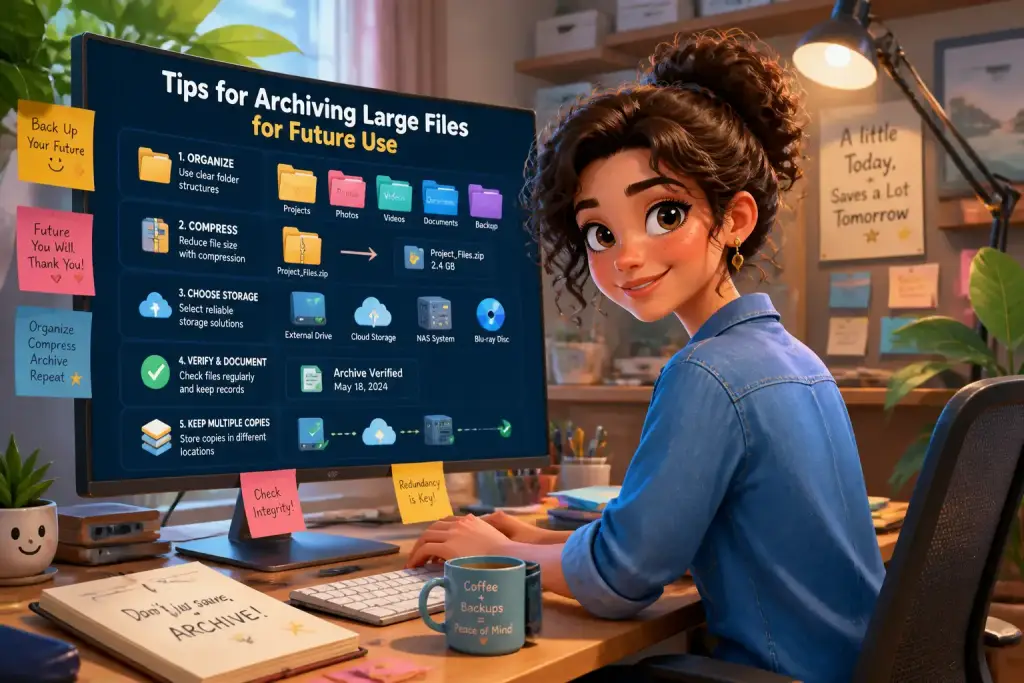
Once you’ve chosen the right format and compressed your files, the next step is storage. Different platforms offer various options for storing large files. Here are a few popular choices:
Cloud Storage
Cloud services like Google Drive, Dropbox, and OneDrive provide excellent solutions for storing large files. They allow easy access from multiple devices and facilitate sharing with others. Most services offer a limited amount of free storage, with options to purchase more as needed. This is especially useful for teams working on projects, as everyone can access the same files.
External Hard Drives
For larger storage needs, external hard drives are a practical choice. They provide significant space and are portable, allowing users to store large files securely. When selecting an external drive, consider its capacity and transfer speed. Drives with USB 3.0 are faster and more efficient for large file transfers.
Network Attached Storage (NAS)
For businesses or individuals needing extensive storage, NAS devices offer a robust solution. NAS systems connect to your network, allowing multiple users to access files simultaneously. This setup is ideal for collaborative work, where large files need to be shared frequently. NAS devices can be configured for redundancy, ensuring data is backed up and secure.
Sharing Large Files Efficiently
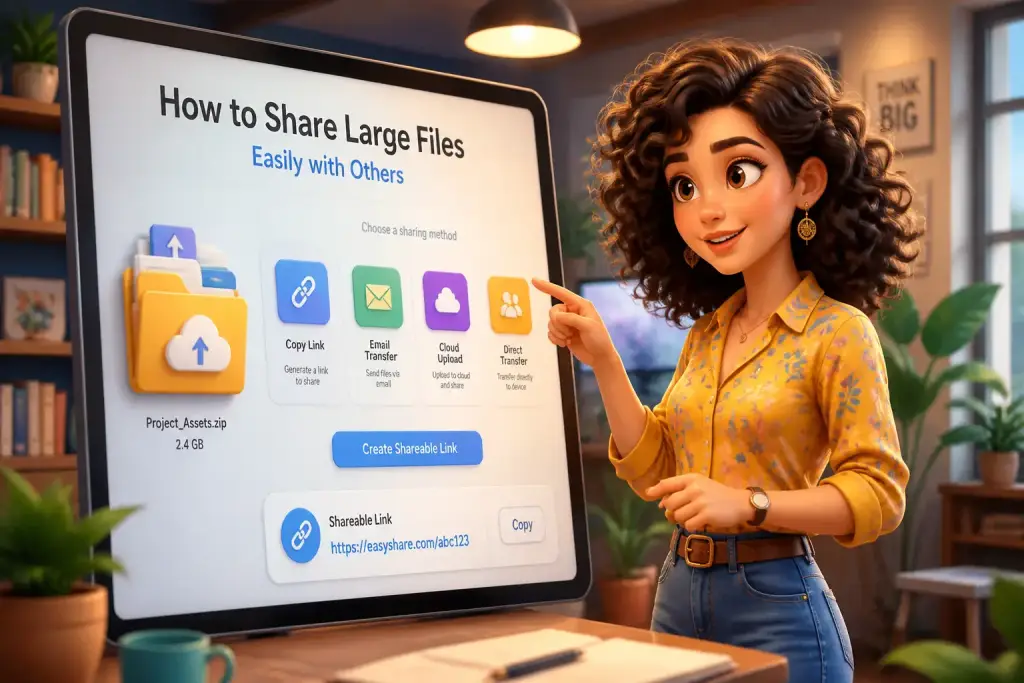
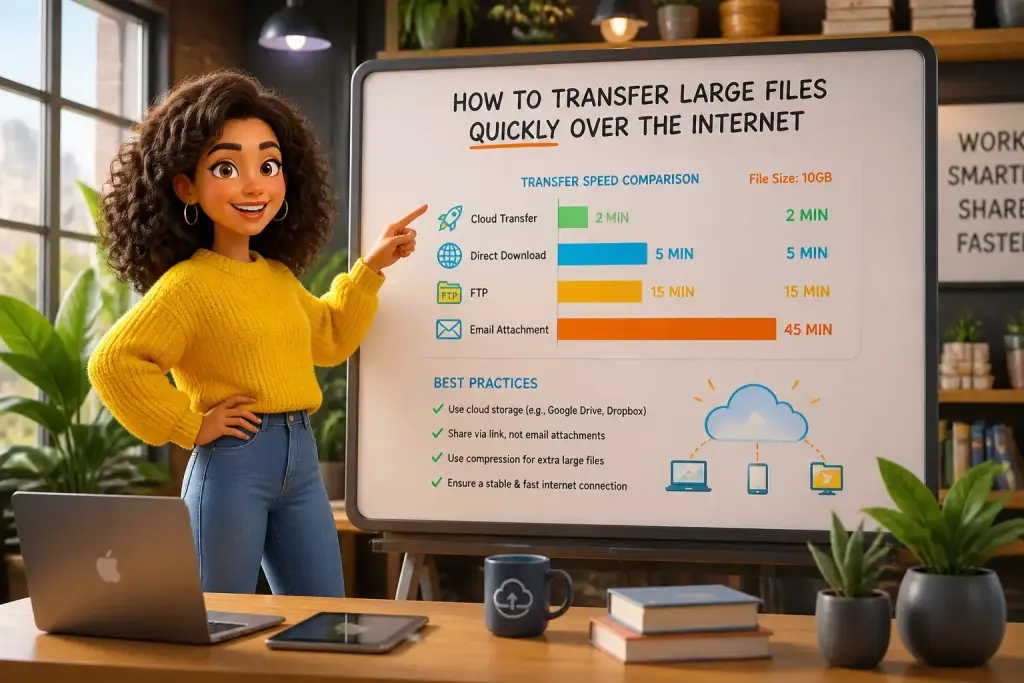
Sharing large files can be a hassle, especially when dealing with size limits on emails or messaging apps. However, several methods can simplify this process:
File Transfer Services
Services like WeTransfer and SendAnywhere allow users to send large files easily. These platforms often support files up to several gigabytes, making them ideal for sharing videos or high-resolution images. Simply upload your file, enter the recipient’s email, and they receive a download link. This method is quick and user-friendly.
FTP (File Transfer Protocol)
For more technical users, FTP provides a robust way to transfer files. By setting up an FTP server, you can share large files with multiple users securely. FTP is especially useful for businesses requiring regular file exchanges. To use FTP, you need an FTP client and server software.
Direct Links and Cloud Sharing
If your files are stored on cloud services, sharing is straightforward. Most services allow you to create shareable links. You can set permissions to control who can view or edit the files. This is particularly useful for collaborative projects, ensuring everyone has access to the latest versions. For more details on sharing strategies, check out our article on how to share large files easily.
Always consider the end-use of your files when selecting formats to ensure compatibility and ease of sharing with others.
Future Trends in File Formats
As technology advances, so do file formats and storage solutions. Keeping an eye on upcoming trends can help you stay ahead of the curve. Here are some trends to watch:
Increased Use of AI
Artificial intelligence is beginning to play a role in file management. AI can assist with organizing and categorizing large files, making it easier to locate what you need. This technology is still in its early stages, but its potential for improving file management is exciting.
Enhanced Compression Techniques
Developers are continually working on better compression methods. Future formats may offer improved compression ratios without losing quality, enabling users to store and share larger files more efficiently. Keeping an eye on these developments can provide you with new tools for managing large files.
Integration with Virtual Reality (VR) and Augmented Reality (AR)
As VR and AR technologies grow, so will the need for new file formats to support them. These formats will need to handle large amounts of data while ensuring quality and performance. Being aware of these changes can prepare you for future file management challenges.
Building Consistency With Maximizing File Management Efficiency
Managing large files effectively requires understanding the right formats, compression techniques, and storage options. By choosing the appropriate formats for your needs, utilizing effective compression strategies, and leveraging modern storage solutions, you can streamline your workflow. Whether you are sharing files with colleagues or storing them for personal use, knowing how to maximize file management will save you time and effort. Always evaluate your specific needs and keep current with technological advancements to ensure you are using the best methods available.