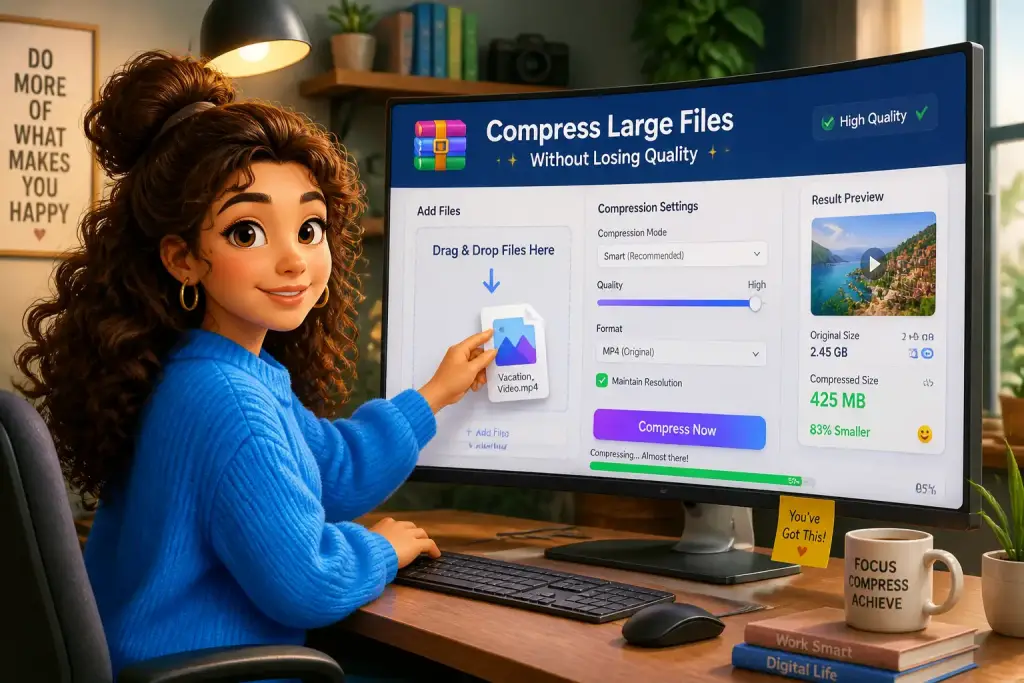










Transferring large files over the internet can be a daunting task, especially when you need them sent quickly and securely. Many people face challenges due to slow upload speeds, file size limits, and lack of suitable tools. Fortunately, modern technology offers effective solutions to make the process easier. This guide will explore various methods and tools to transfer large files quickly, ensuring a smooth experience for both senders and recipients.
- Use cloud storage services for easy access and sharing.
- Compress files before sending to save bandwidth.
- Choose a reliable transfer method to ensure file integrity.
Table of Contents
A Practical Look at the Challenges of Large File Transfers
Large file transfers often come with several challenges. Slow internet connections can hinder the speed at which files are uploaded and downloaded. Additionally, many email services impose strict size limits on attachments, making it difficult to send larger files directly. For instance, Gmail has a limit of 25 MB for attachments. Moreover, transferring files over unreliable connections can lead to data corruption, resulting in incomplete or unusable files. Understanding these challenges is the first step toward finding effective solutions.
Another common issue arises from the need for secure transfers. Files containing sensitive information require encryption to protect against unauthorized access. Without proper security measures, sensitive data can be intercepted during transfer, leading to privacy breaches. Thus, it is essential to choose a method that not only facilitates quick transfers but also ensures data security.
Finally, managing large files can be cumbersome. When working with multiple files or large datasets, organization becomes key. Implementing file management strategies can enhance productivity and make the transfer process smoother. For instance, using cloud storage solutions not only provides a platform for storage but also simplifies sharing. Tools like Dropbox and Google Drive allow users to organize files and share links, making collaboration more efficient.
Top Tools for Fast File Transfers
Choosing the right tools for transferring large files can significantly impact the speed and reliability of the process. Various applications and services cater to different needs. Here are some of the best tools available today:
- WeTransfer: This web-based platform allows users to send files up to 2 GB for free, with no registration required. Users can send files quickly by uploading them and then sharing a link via email.
- Google Drive: A widely used cloud storage solution that integrates with other Google services. Users can store files and share them directly through links. For larger files, Google Drive allows users to upload up to 5 TB, provided they have sufficient storage space.
- Dropbox: Known for its user-friendly interface, Dropbox allows file sharing and collaboration. Users can upload large files and share links with others, making it easy to work together on projects.
- Send Anywhere: This app provides a quick way to send files across devices. It allows for file transfers without the need for a cloud server, using a unique key to securely transfer files directly.
Choosing the Right Tool
When selecting a tool for file transfer, consider factors such as file size limits, security features, and user interface. For example, if you frequently work with large files, opt for a service like Google Drive or Dropbox, which offers extensive storage options. If you need a quick one-time transfer, WeTransfer might be more suitable due to its ease of use and no requirement for an account.
Effective Methods to Optimize File Transfers
Several methods can enhance the efficiency of transferring large files. By implementing these strategies, you can ensure faster and more reliable transfers. Here are some effective methods:
Compressing Files
Compressing files is an excellent technique to reduce their size before transferring. This not only saves bandwidth but also speeds up the upload process. Tools like WinRAR and 7-Zip allow users to create compressed archives, which can significantly decrease the file size. For instance, a 100 MB file might compress down to 30 MB, making it easier to send.
Using a Wired Connection
For optimal speed, consider using a wired internet connection instead of Wi-Fi. Wired connections generally provide more stable and faster speeds, reducing the time required for large file transfers. If possible, connect your device directly to the router using an Ethernet cable for the best results.
Scheduling Transfers
Timing your transfers can also make a difference. Performing large file uploads during off-peak hours, when internet traffic is lower, can improve speed. For example, late at night or early in the morning when fewer people are online can result in faster transfer rates.
Ensuring Security During File Transfers
Security is a critical aspect of transferring large files, especially when dealing with sensitive information. Here are some strategies to keep your files secure during the transfer process:
Using Encryption
Encryption is essential for protecting sensitive data. Many file transfer services offer built-in encryption features, ensuring that files are secure during transit. For example, services like Tresorit provide end-to-end encryption, meaning only the sender and recipient can access the files. Alternatively, you can use tools like VeraCrypt to encrypt files before transferring them.
Two-Factor Authentication
Implementing two-factor authentication (2FA) adds an extra layer of security. This requires users to provide two forms of identification before accessing files. Many cloud storage services, such as Google Drive and Dropbox, offer this feature, enhancing security and protecting against unauthorized access.
Regularly Update Software
Keeping your software up to date is vital for security. Many updates include patches for vulnerabilities that hackers could exploit. Regularly check for updates on your operating system, file transfer applications, and antivirus software to ensure you have the latest protection.
Always test your internet speed before transferring large files; a faster connection can significantly reduce transfer time.
Streamlining Your File Management Workflow
Efficient file management is essential for improving productivity when working with large files. Here are some tips to streamline your workflow:
Organizing Files Effectively
Creating a structured folder system can help you locate files quickly. Consider using a hierarchy that categorizes files based on projects, dates, or clients. For instance, you might have a main folder for each project, with subfolders for documents, images, and presentations. This organization makes it easier to find and transfer files as needed.
Setting Up Regular Backups
Establishing a regular backup routine is crucial for preventing data loss. Utilize cloud storage solutions to automatically back up your files, ensuring that you have copies available if anything goes wrong. Regular backups can save you time and stress, particularly when working with critical documents.
Prioritizing Tasks
When managing large files, prioritizing tasks can enhance efficiency. Create a list of file-related tasks and use tools like Trello or Asana to keep track of progress. This approach helps ensure that important files are transferred on time and that nothing falls through the cracks. For more on prioritizing tasks, check out our article on prioritizing large file tasks.
By implementing these strategies and utilizing modern tools, you can transfer large files quickly and securely. The right combination of tools, methods, and file management practices will help you overcome challenges and enhance your overall efficiency. Embrace these solutions to simplify your file transfer process and ensure your important documents are shared without delay.