
.CSV File Extension
There is only one filetype that uses .CSV file extension and it is Comma-Separated Values File.
Comma-Separated Values File
| File category: | Data Files |
|---|---|
| Developer: | N/A |
| Open with: | Google Sheets (+10 more) |
| Platforms: | Windows, macOS, Linux, iOS, Android, ChromeOS, iPadOS |
A CSV file, or Comma-Separated Values file, is a simple, text-based format used for storing tabular data. Each line of a CSV file represents a row in the table, and the values within that row are separated by commas. This structure makes CSV files highly compatible across various software, especially those dealing with databases, spreadsheets, and data analysis. The format is widely supported due to its simplicity and ease of use.
The CSV format dates back to the 1970s when it was first supported by IBM's FORTRAN compiler under OS/360 in 1972. Over the years, CSV evolved and became a standard for data exchange, particularly after it was standardized in 2005 by RFC 4180 as a MIME Content Type. It became an even more recognized format in 2015 when the W3C developed recommendations for handling CSV metadata, ensuring broader adoption and consistent usage.
How CSV Files Are Commonly Used
CSV files are typically used to transfer data between different applications or systems. For instance, you can export financial data from a spreadsheet like Microsoft Excel or Google Sheets and import it into another application, such as an accounting tool or a database. Since CSV files are plain text, they are compatible with almost all spreadsheet programs, including LibreOffice Calc, Apple Numbers, and OpenOffice Calc, as well as database management systems like Microsoft SQL Server and Oracle Database.
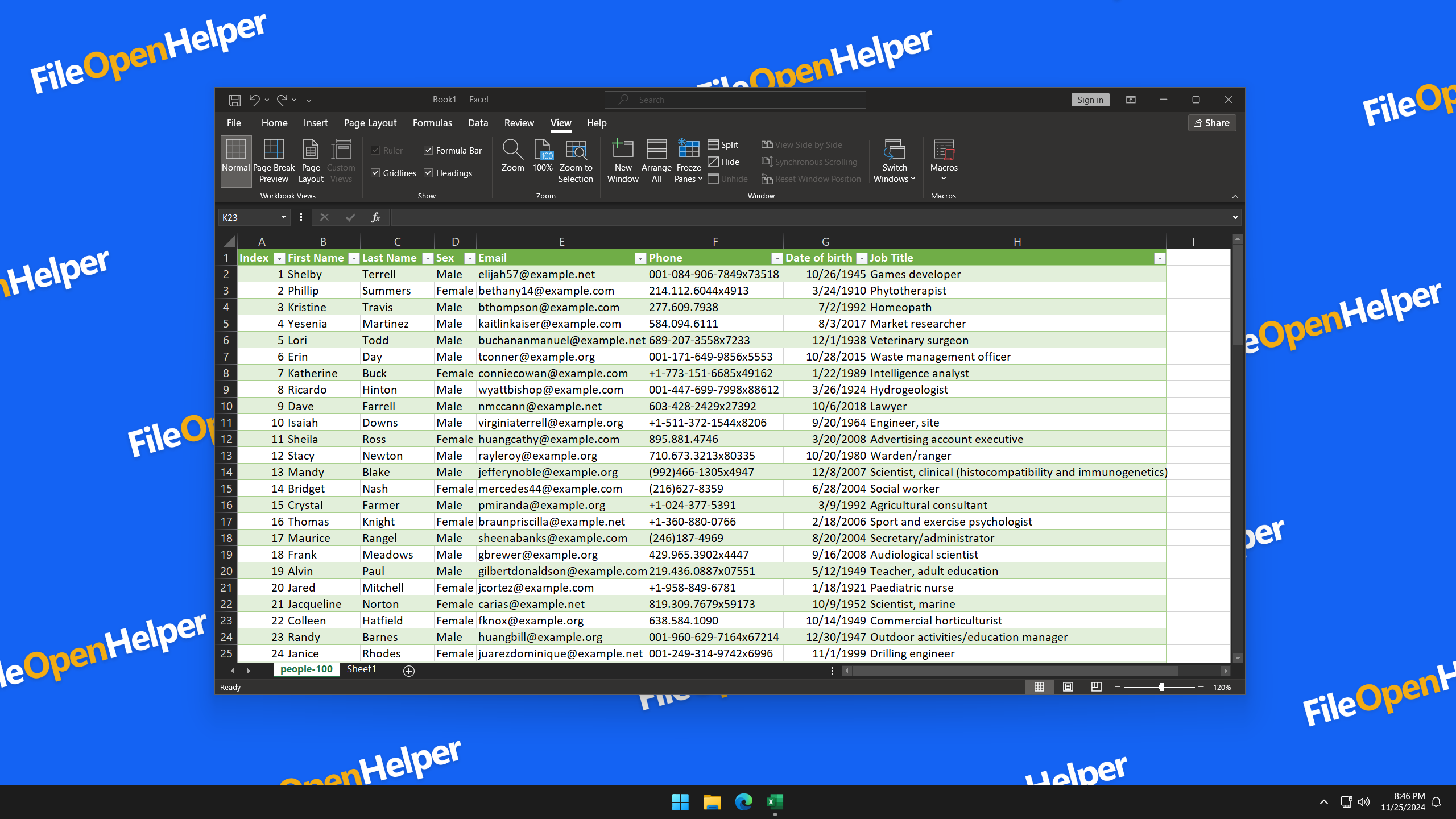
How to Open .CSV as Comma-Separated Values File
Opening a CSV file is simple due to its versatility. Most spreadsheet applications, such as Microsoft Excel, Google Sheets, and Apple Numbers, can easily open and display CSV files in a tabular format. For basic viewing or minor edits, a plain text editor, like Notepad or TextEdit, can be used. Users can also convert CSV files into other formats like .XLSX, .PDF, .TXT, or .XML using applications like Excel or LibreOffice.
Applications That Open CSV Files

Windows Apps for CSV Files:
- Microsoft Excel Free Trial
- Quicken Free Trial
- LibreOffice Free
- Vim Free
- Notepad++ Free
- OpenOffice Calc Free
- Microsoft Notepad Included with OS
-
Any text editor
Free

macOS Apps for CSV Files:
- Quicken Free Trial
- LibreOffice Free
- Vim Free
-
Apple Numbers
Included with OS - OpenOffice Calc Free
-
Apple TextEdit
Included with OS -
Any text editor
Free
Linux Apps for CSV Files:
- LibreOffice Free
- Vim Free
- OpenOffice Calc Free
- Microsoft Notepad Included with OS
-
Any text editor
Free

iOS Apps for CSV Files:
- Google Sheets Free
- Microsoft Excel Free Trial
- LibreOffice Free
-
Any text editor
Free
Android Apps for CSV Files:
- Google Sheets Free
- Microsoft Excel Free Trial
- LibreOffice Free
-
Any text editor
Free
ChromeOS Apps for CSV Files:
- Google Sheets Free
-
Any text editor
Free

iPadOS Apps for CSV Files:
-
Any text editor
Free